Morphological Operations with OpenCV
Morphological operations use small shapes called kernels to process images based on their structure. Common operations like erosion and dilation help remove noise, separate objects, and find boundaries. We'll see how to use these techniques with OpenCV and Python.
Install them with:
pip install opencv-python matplotlib numpy
Basic Setup
import cv2
import numpy as np
import matplotlib.pyplot as plt
Creating a Base Image
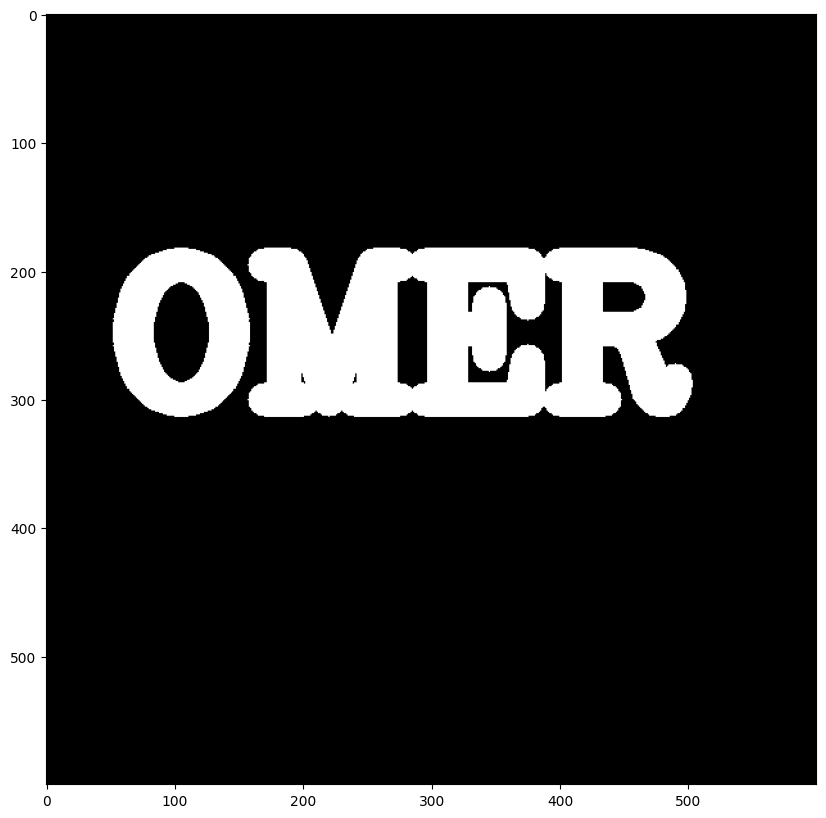
First, let's create a black image with white text to demonstrate morphological operations:
def createImage():
    img = np.zeros(shape=(600,600))
    font = cv2.FONT_HERSHEY_COMPLEX
    cv2.putText(img, text='OMER', org=(50,300),
                fontFace=font, fontScale=5,
                color=(255,255,255), thickness=25,
                lineType=cv2.LINE_AA)
    return img

def show(img):
    fig = plt.figure(figsize=(12,10))
    ax = fig.add_subplot(111)
    ax.imshow(img, cmap='gray')
    plt.show()

image = createImage()
show(image)
Morphological Operations
1. Erosion
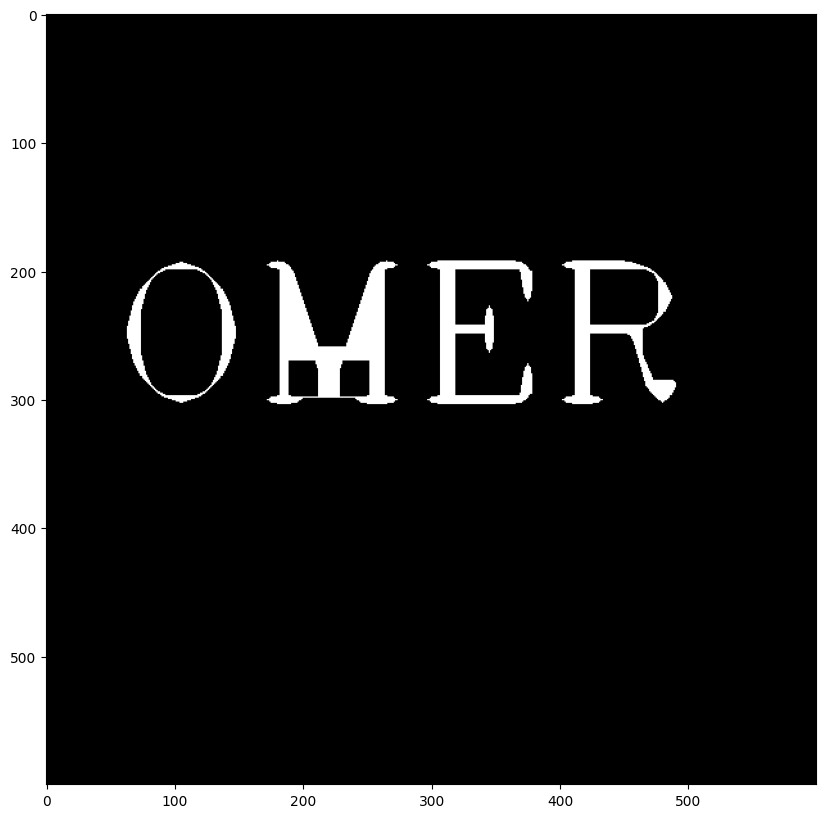
Erosion is a morphological operation used in image processing to shrink the white (foreground) regions in a binary image. It works by sliding a small matrix called a kernel (usually 3x3) over the image. At each position, if all the pixels under the kernel are white (255), the center pixel remains white; otherwise, it is set to black (0). This causes the boundaries of objects to erode or shrink, removing small white noise and thinning the shapes. Erosion is commonly used to clean up binary images, especially before applying contour detection or other analysis.
kernel = np.ones(shape=(5,5), dtype=np.uint8)
result = cv2.erode(image, kernel, iterations=5)
show(result)
2. Handling White Noise
Let's add and remove white noise (salt noise):
The code demonstrates how to add and remove white noise (specifically, "salt" noise) from a binary image using morphological operations in OpenCV:
-
Adding White Noise:
white_noise = np.random.randint(low=0, high=2, size=(600,600))
This creates a 600x600 array of random 0s and 1s.white_noise = white_noise * 255
Converts the 1s to 255, so the noise is either black (0) or white (255).noise_image = white_noise + image
Adds the white noise to the original image, introducing random white pixels ("salt" noise).
-
Removing Noise with Opening:
opening = cv2.morphologyEx(noise_image, cv2.MORPH_OPEN, kernel)
Applies the "opening" morphological operation, which is an erosion followed by a dilation. This operation removes small white noise dots while preserving the main structure of the text.
Note:
What does MORPH_OPEN do?
MORPH_OPEN is a morphological operation in OpenCV that performs an erosion followed by a dilation using the same kernel. Its main purpose is to remove small white noise (tiny white dots or regions) from a binary image while preserving the overall shape and size of larger white objects.
- Erosion removes small white regions (noise) by shrinking the white areas.
- Dilation then expands the remaining white regions back to their original size, but without the small noise that was removed.
This makes MORPH_OPEN especially useful for cleaning up images before further processing, such as contour detection or OCR.
In summary:
cv2.MORPH_OPEN helps to clean up small white noise in binary images by eroding and then dilating, preserving the main shapes but removing tiny artifacts.

Image source: docs.opencv.org
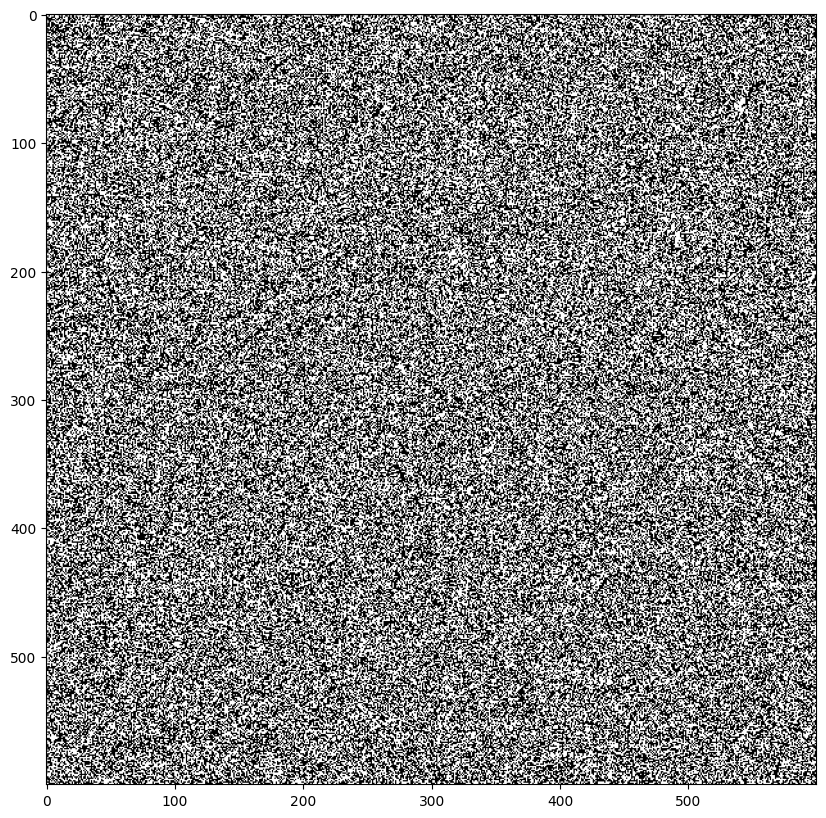

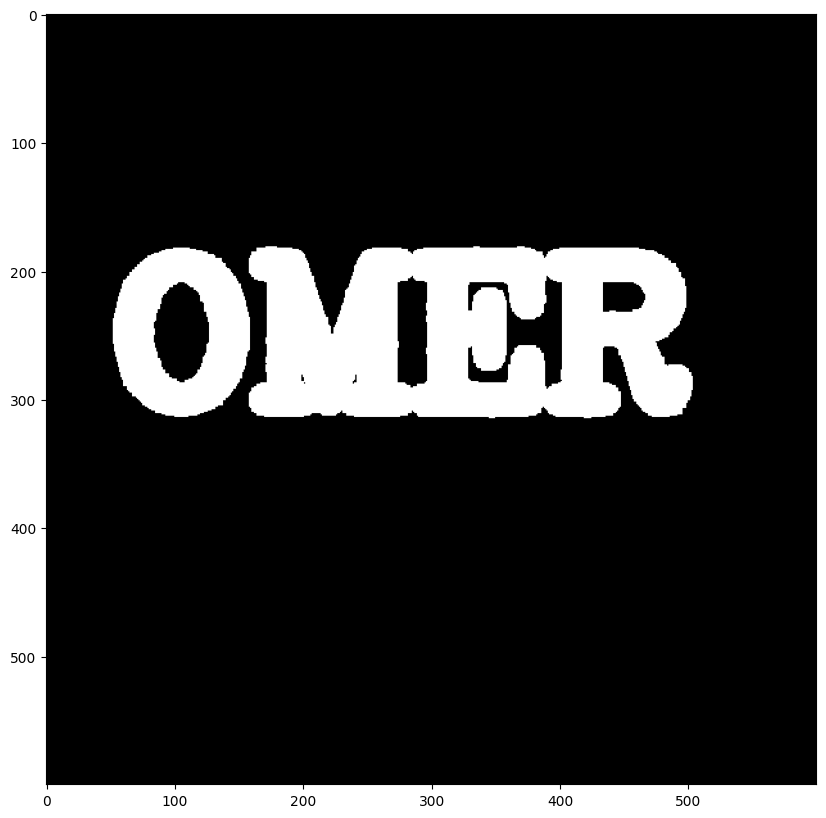
Image + white noise + after noise removal (morphological opening)
Summary:
This code shows how to simulate salt noise on an image and then clean it up using the morphological "opening" operation, which is useful for preprocessing images before further analysis.
3. Handling Black Noise
Now let's add and remove black noise
Note:
The variable image refers to the original image that was created or loaded at the beginning of the code 'Ömer'.
black_noise = np.random.randint(low=0, high=2, size=(600,600))
black_noise = black_noise * -255
black_noise_image = black_noise + image
black_noise_image[black_noise_image == -255] = 0

# Remove noise using closing (dilation followed by erosion)
closing = cv2.morphologyEx(black_noise_image, cv2.MORPH_CLOSE, kernel)
show(closing)
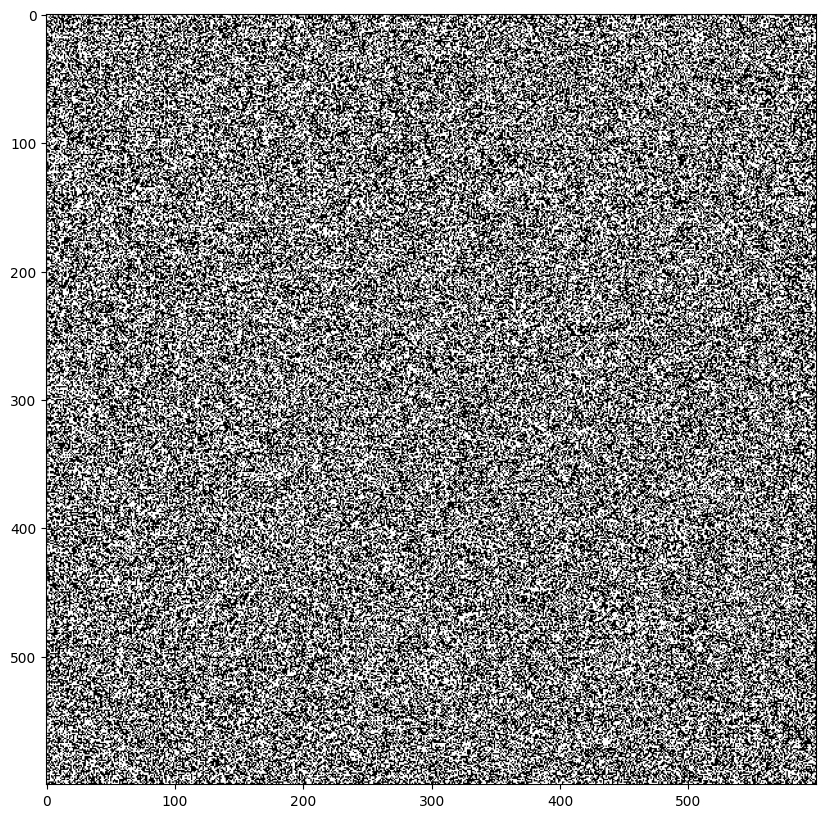
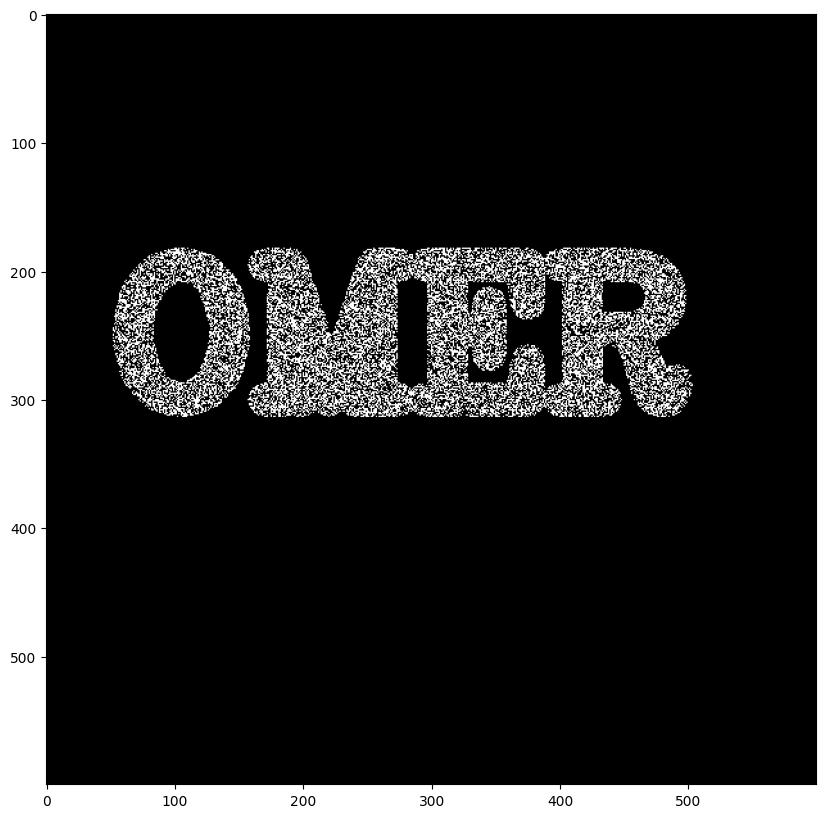
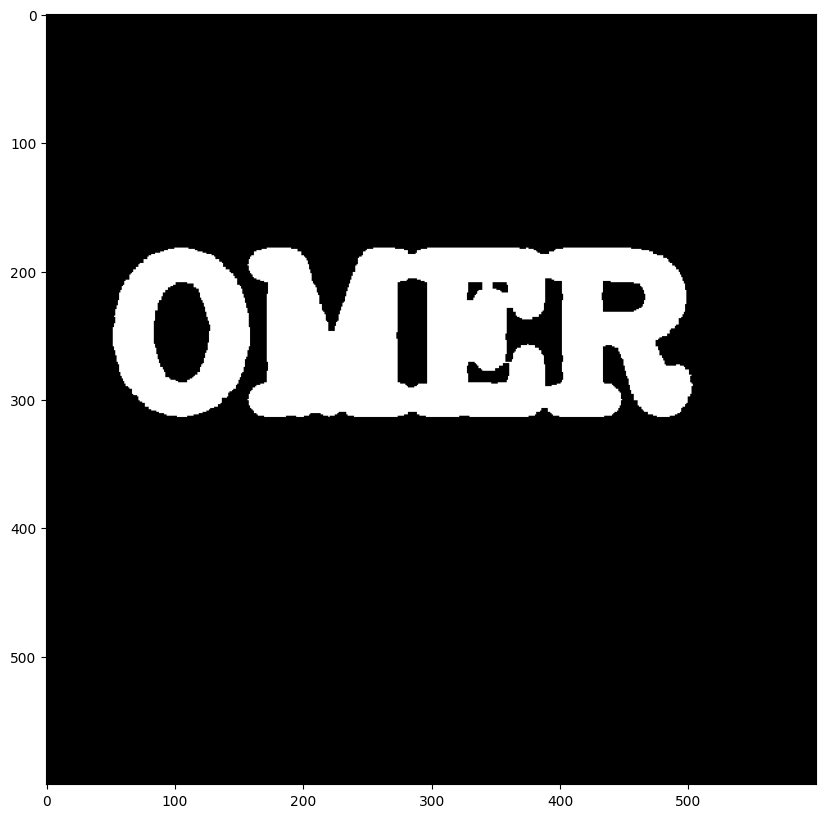
Image + black noise + after noise removal (morphological closing)
4. Morphological Gradient
The gradient shows the boundaries of the text: